WordPress Site Speed SEO: Why a Caching Plugin Won't Save You

WordPress site speed SEO is not solved by installing WP Rocket and hoping. We have audited dozens of sites where the founder spent three weekends configuring caching, image optimisation, and lazy loading, and the LCP barely moved. The reason is simple: the caching plugin is the last layer of the fix, not the first.
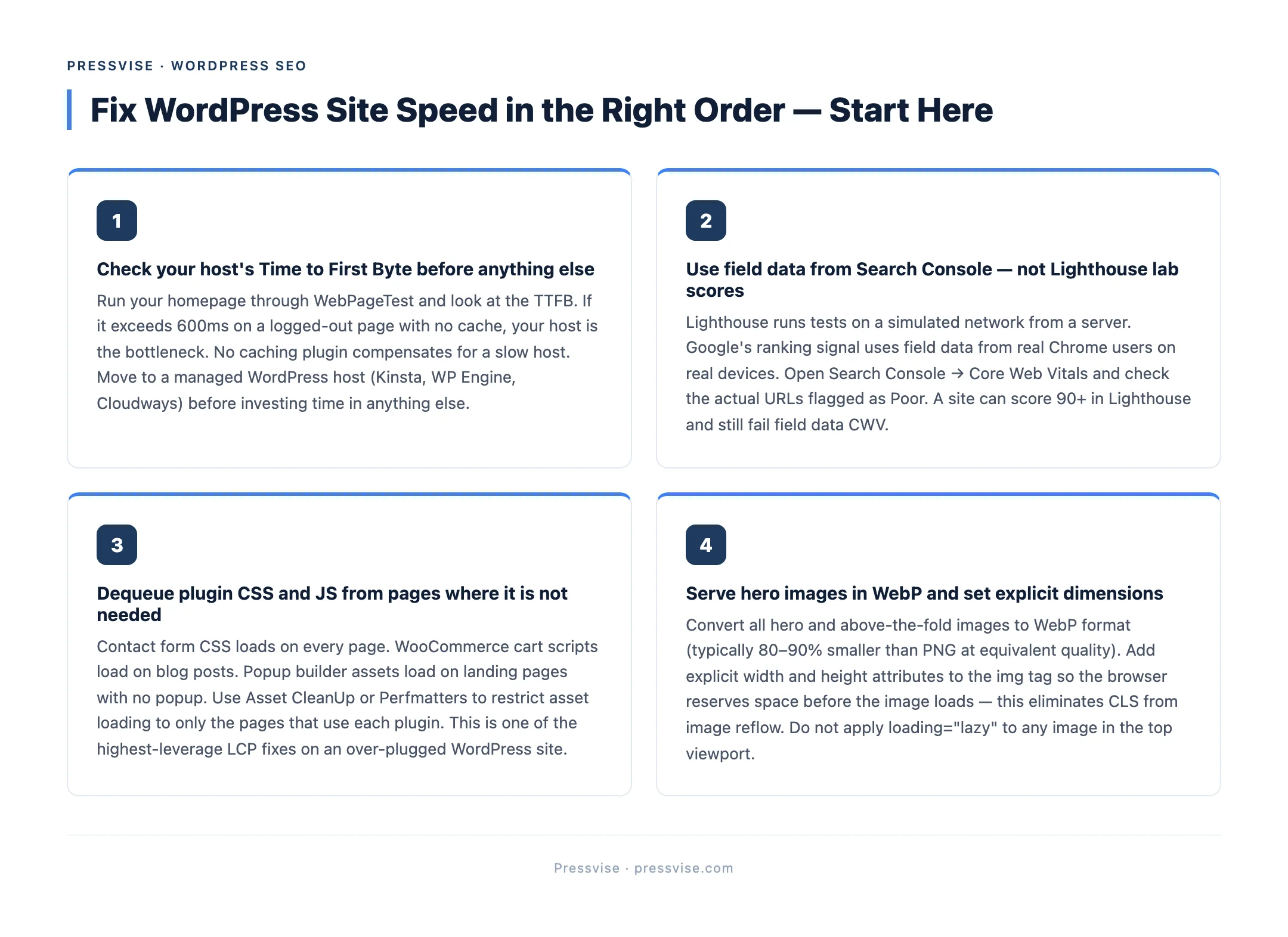
Here is what actually drives WordPress site speed for SEO purposes, in the order you should fix it.
What Google measures and what it ignores
Google measures three Core Web Vitals from real-user data via the Chrome User Experience Report:
- LCP (Largest Contentful Paint). The time the largest visible element on the page finishes rendering. Threshold for “Good” is 2.5 seconds.
- INP (Interaction to Next Paint). The latency between a user interaction (click, tap, key press) and the next visual update. Replaced FID in March 2024. Threshold is 200 milliseconds.
- CLS (Cumulative Layout Shift). The amount the page moves around as it loads. Threshold is 0.1.
Google does not look at PageSpeed Insights “Performance” score. That number is a lab synthesis. Real-user field data from CrUX is what feeds rankings. A site can score 95 in Lighthouse and still fail Core Web Vitals because real users on real devices on real networks are slower than your test environment.
Check the field data, not the lab data. Google Search Console’s Core Web Vitals report shows the actual numbers Google uses.

The five layers, in order
Site speed on WordPress is layered. Fixing the wrong layer first wastes time. The order matters because each upstream layer determines what is possible downstream.
Layer 1: Hosting
If your host returns a 1.2-second Time to First Byte on an empty WordPress install, no caching plugin will save you. Shared hosts (Bluehost, GoDaddy, Hostinger entry tiers) routinely hit 800ms to 1.5s TTFB before any of your content has been rendered.
What to check:
- TTFB on a logged-out admin page (not the homepage with cache)
- TTFB from multiple geographies if you have international audiences
- Whether your host runs PHP 8.1 or higher
- Whether HTTP/2 or HTTP/3 is enabled
If TTFB is over 600ms consistently, fix this layer before anything else. Move to a host that runs LiteSpeed, Nginx, or a managed WordPress provider (Kinsta, WP Engine, Cloudways).
Layer 2: Theme
This is the layer most caching-plugin advice skips. The theme determines:
- How much CSS and JavaScript ships before first paint
- Whether the hero image is the LCP element or buried beneath layout JS
- How many fonts load and when
- Whether layout reservations are in place to prevent CLS
Page builders (Elementor, Divi, Avada, Bricks) ship a lot of code by default. They can be configured to perform well, but the default install rarely does. We covered this in detail in why WordPress Core Web Vitals problems live in the theme layer.
If your theme is the bottleneck, no plugin fixes it.
Layer 3: Plugin stack
Each plugin adds JavaScript, CSS, database queries, and HTTP requests. A WordPress site with 45 active plugins will be slow regardless of how fast the theme and host are.
What to check:
- Total active plugins (audit anything above 25)
- Plugins that load globally when they should load conditionally (contact form CSS on every page, popup builder on the blog)
- Redundant plugins (two analytics plugins, three image optimisers)
- Asset loading order
Tools like Asset CleanUp or Perfmatters let you dequeue assets per page. This single fix often takes 1 second off LCP.
Layer 4: Images
WordPress sites are heavy with images. The fixes here are mechanical but high-leverage:
- Serve modern formats (WebP or AVIF). Most image optimiser plugins handle this automatically now.
- Resize images to the actual displayed dimensions, not the original upload size.
- Use
loading="lazy"for below-the-fold images, but never for the LCP image (lazy-loading the hero image is a common CLS and LCP killer). - Add explicit
widthandheightattributes to every image to reserve layout space. - Compress aggressively. JPEG at 75 quality is usually indistinguishable from 95 quality and 40% smaller.
Layer 5: Caching and CDN
This is where most WordPress site speed advice starts. We end here because it is the last 20% of the gain, not the first 80%.
What caching does:
- Server response cache (full page cache delivered without running PHP)
- Browser cache (return visitors load assets from local storage)
- Object cache (database query results held in memory)
What a CDN does:
- Serves static assets (CSS, JS, images) from edge locations near the user
- Reduces TTFB for users far from your origin server
Both help. Neither fixes a slow theme, a bloated plugin stack, or unoptimised images. They optimise an already-fast site to be faster.
What “good enough” looks like
For SEO purposes, the targets are:
- LCP under 2.5s on mobile (the harder of the two)
- INP under 200ms
- CLS under 0.1
- TTFB under 600ms
Hit those on the field data report and the site speed layer is no longer a ranking blocker. Pushing to a 99 Lighthouse score after that point has diminishing returns for SEO and meaningful opportunity cost elsewhere.
When site speed is not the issue
This is the part nobody selling site speed services will say. We have audited WordPress sites with perfect Core Web Vitals scores that do not rank. Site speed is one factor. Crawl architecture, content quality, backlinks, and on-page signals all matter. If your speed is fine and rankings are flat, the bottleneck is elsewhere.
The full diagnostic order lives in our WordPress SEO audit checklist, and the plugin layer specifically gets covered in Yoast vs RankMath.
If site speed is one of several issues on your audit, it is worth fixing in the right order. That is what a WordPress SEO agency that fixes what Yoast can’t does on Month 1 under our WordPress technical SEO service: hosting, theme, plugin stack, images, then caching, then everything that comes after.
Ecommerce sites have an extra speed problem (variant pages, faceted nav, product schema overhead) that we broke down in WooCommerce SEO experts: what to look for before you hire.